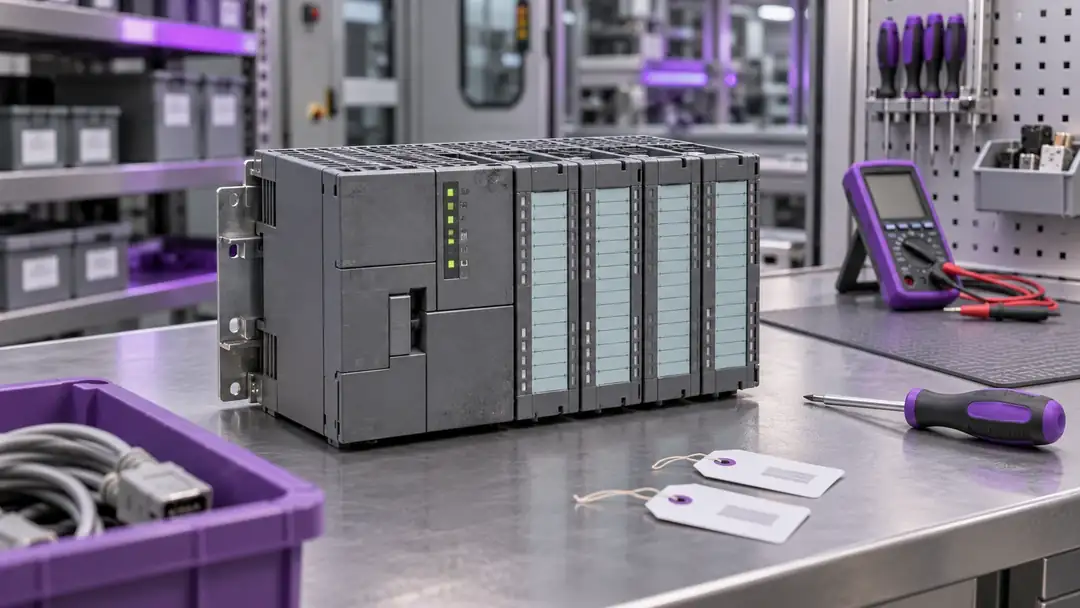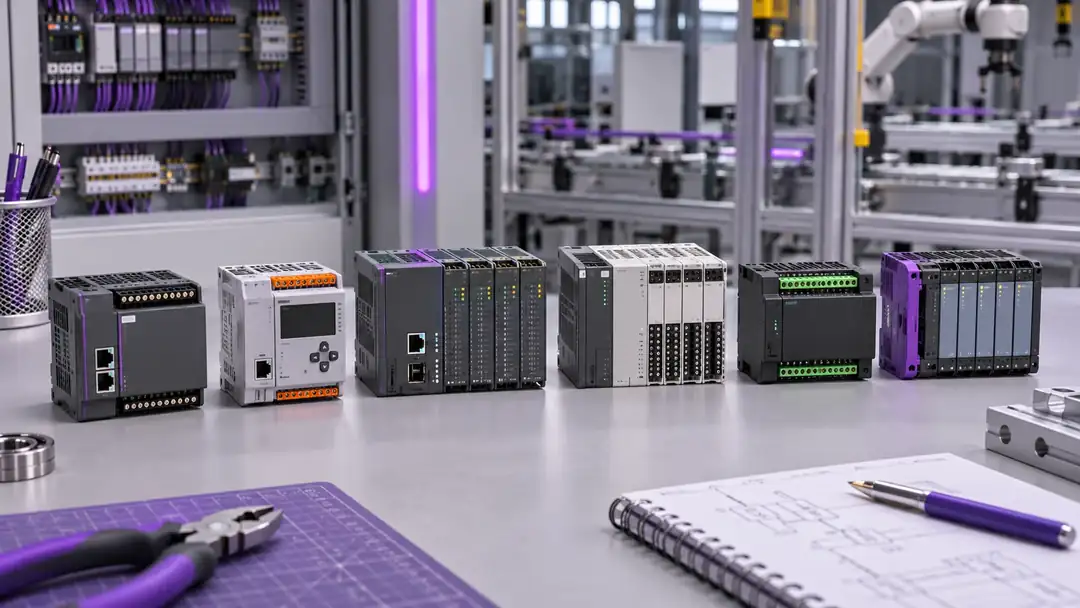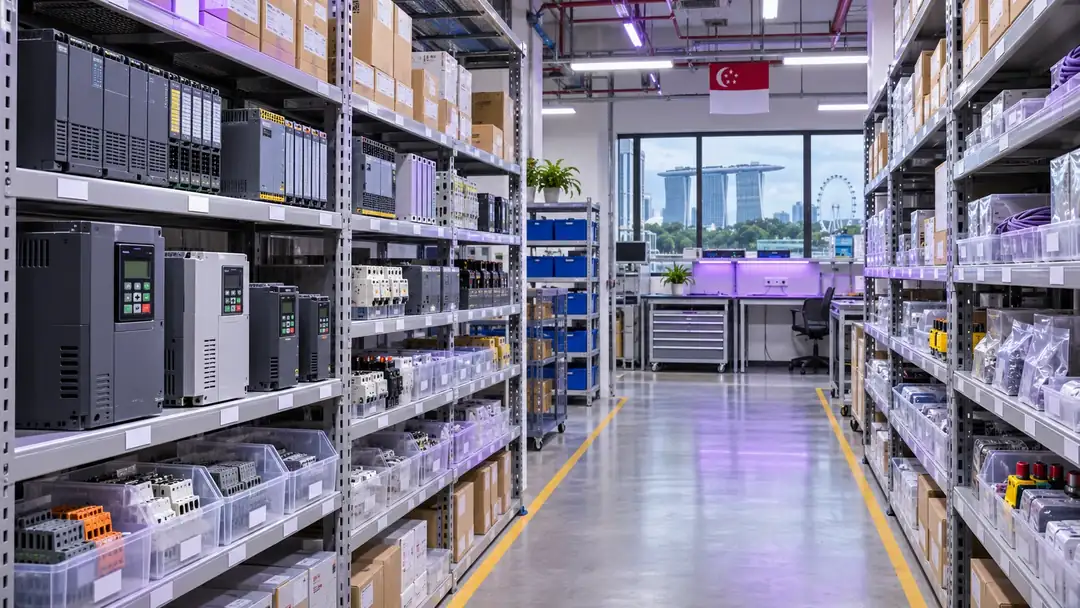
A useful stockroom starts with a clear reason for holding each spare. A rarely used component can deserve shelf space when a failure would stop several lines and the replacement is hard to source. Conversely, an expensive part with a reliable short lead time may be better purchased as needed.
01Rank the assets before ranking the parts
List production lines and utilities by the impact of an interruption. Identify the components that have no ready workaround. Note where a single part supports several machines, then confirm that the same catalog number and revision are approved across those machines.
02Choose a stocking rule
Compare the supplier's quoted replenishment time with the outage the site can tolerate. Include time for receiving and acceptance checks. Give each stocked item a reorder trigger, an owner and a review date. Include a physical count in the review because inventory records can lag behind emergency issues.
03Review stock after equipment changes
When a machine is upgraded, check whether its old spares still serve another asset. Record disposition decisions and update the bill of materials. Add incoming replacements to the stockroom record before removing a previous generation of spares.
Need help sourcing a part?
Share your critical spares list and required quantities with YALIX Automation for a sourcing quote.