If an HMI, an I/O rack and several sensors reset in the same instant, examine what they share. A common supply or distribution path may explain the pattern. Establish the sequence of events before ordering replacements for individual devices.
01Draw the affected branch
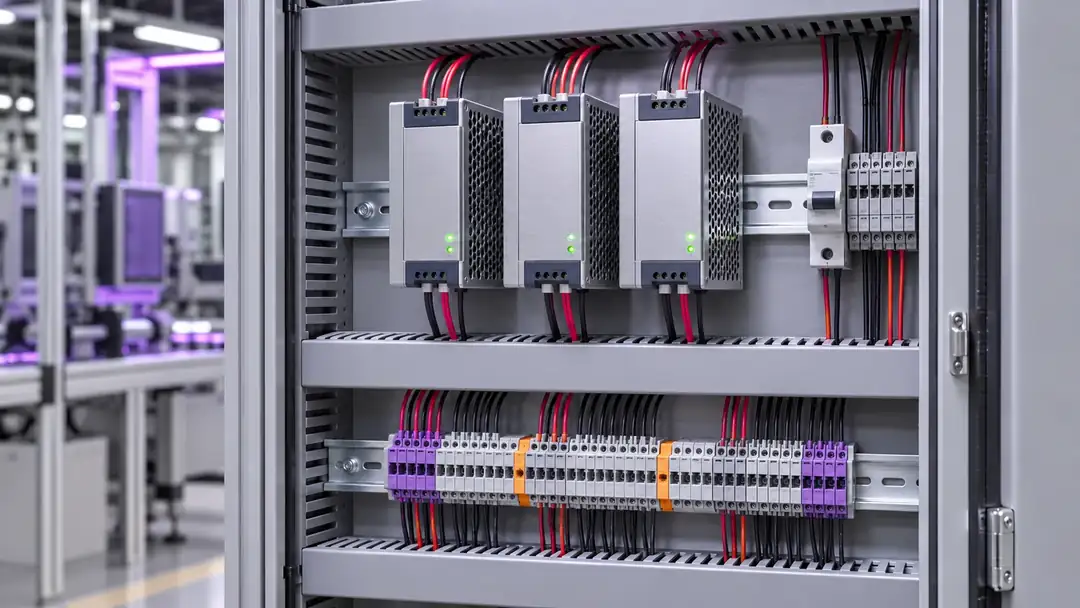
Use the cabinet drawing to identify which affected devices share a supply, protection device or terminal group. Compare the failure time with equipment starting, a recent panel change or another repeating event. Check whether nearby devices on other branches stayed online.
02Collect evidence under the site’s procedures
Have an authorised technician inspect the installation and review any diagnostic records. Record the installed supply model, input and output ratings, protection and the loads on each branch. Ask engineering to review any recent additions that changed the original design.
03Make the repair address the cause
If the supply has failed, verify the replacement against the approved design, including mounting, signalling and redundancy features where fitted. If the issue lies elsewhere on the branch, capture the corrective work and update the cabinet record so repeat faults are easier to trace.
Need help sourcing a part?
Ask YALIX Automation to quote the exact control power supply or distribution component specified by your engineering team.