A discontinued PLC can keep a machine productive for years. The trouble starts when a controller, power supply or communications module fails and nobody knows what can take its place. Start by finding the assets whose failure would stop production or delay a critical order.
01Build the installed-base list
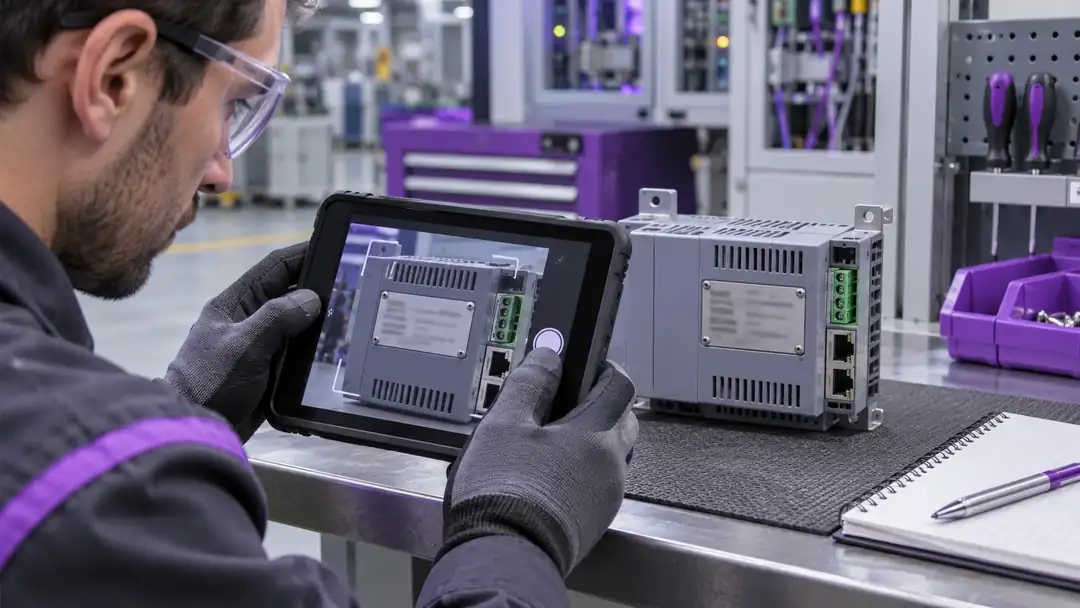
Capture the controller, chassis, power supply and I/O modules as separate records. Record complete catalog numbers, hardware series and firmware where available. Tie each item to the machine and cabinet location. Keep the program backup and recovery notes under your usual access controls, with a named owner who can retrieve them.
02Make a decision for each critical part
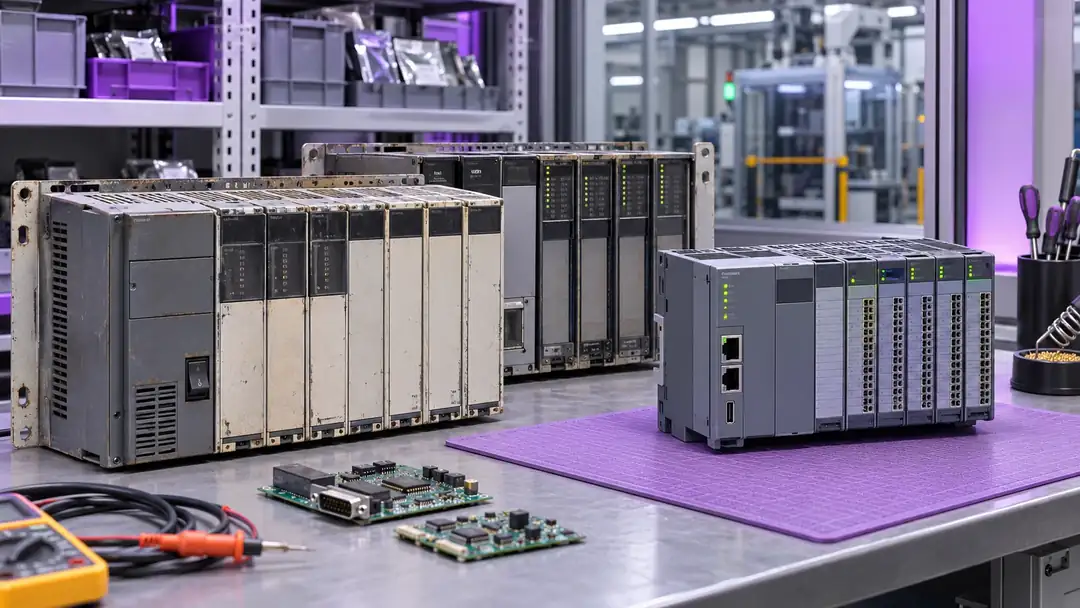
An exact spare can bridge the gap to a planned upgrade. For each item, compare a stocked spare, a repair route and a migration project. A spare controller is of limited use if the application cannot be restored or if the compatible communications module is missing. Give each bridge strategy a review date and assign someone to check remaining stock.
03Check the manufacturer’s lifecycle record
Look up the complete catalog number in the Rockwell Automation Product Lifecycle Search ↗ for Allen-Bradley equipment. Record the date and the result. Confirm any replacement recommendation against the actual application before procurement.
Need help sourcing a part?
Share your PLC bill of materials and migration timeline with YALIX Automation to request a quote for the spares you need to keep the line running.