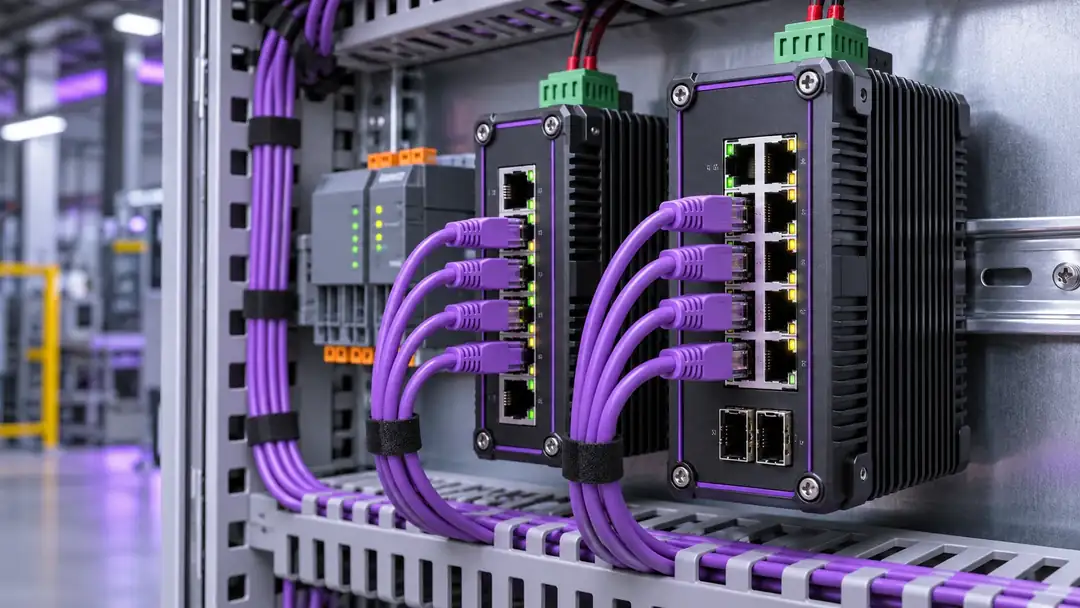
An Ethernet switch can serve an entire production cell. A spare on the shelf helps only if it fits the cabinet, supports the required media and can be put into service with the correct configuration. Build the kit from your network drawings and verified hardware records.
01Follow each critical network path
Identify the switches and links whose loss would isolate a cell or control cabinet. Record port counts, copper and fiber interfaces, installed transceivers, power requirements and mounting. List the correct patch cords, connector types and spare power components where relevant.
02Keep configurations tied to devices
For managed equipment, record where approved configurations are stored and who can retrieve them. Link each backup to its device, location and date. Ask the controls or network owner to check whether the spare hardware and firmware can accept the intended configuration.
03Kit parts by cabinet or cell
Bundle the compatible switch, transceivers and accessories for the most critical locations. Label each kit with its approved use and the contact for commissioning. After any issue from stores, update the inventory and trigger replenishment so a recovered line does not leave the next shift short.
Need help sourcing a part?
Provide YALIX Automation the switch and transceiver part numbers when requesting a networking spares quote.