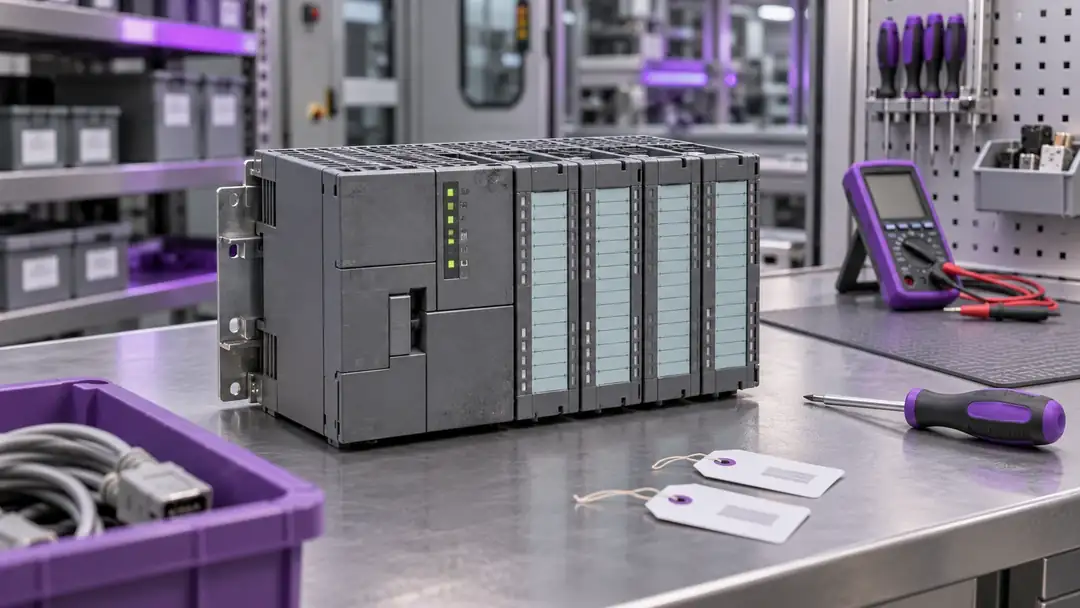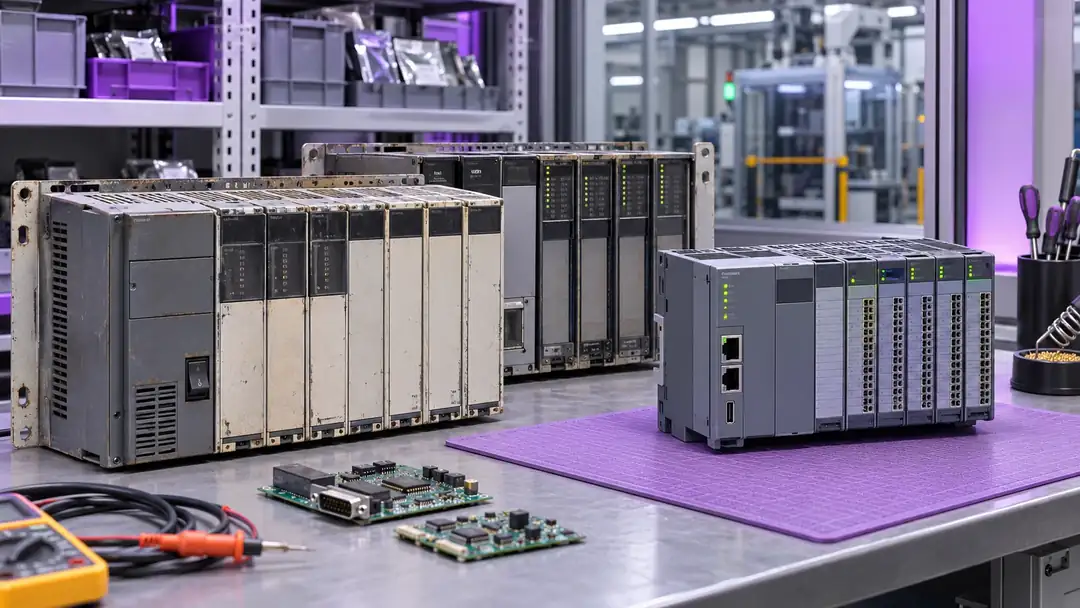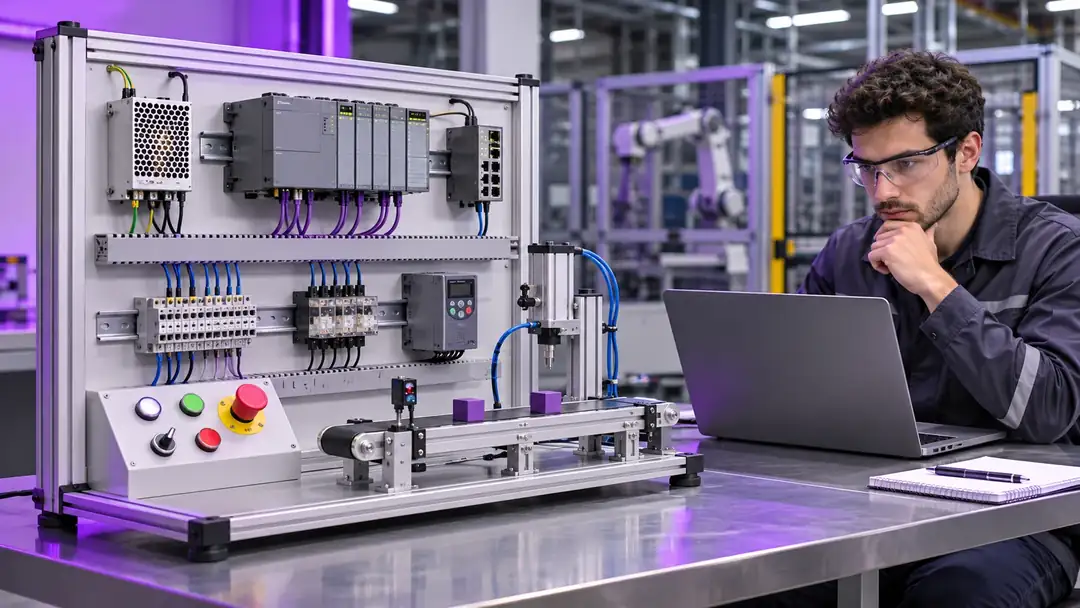
A folder called “backup” can hide several versions of the same machine project. A restore drill answers a more practical question. Can the next authorised engineer find the correct copy, open it with the available tools and restore it to approved hardware?
01Make the recovery record usable
Identify each backed-up asset and link it to the installed hardware and firmware. List the engineering software, licences, adapters and configuration files required for restoration. Record the date, the owner and how an authorised person can retrieve the files during a shift outage.
02Rehearse away from live production
Use a site-approved test environment and compatible spare hardware. Have someone other than the backup’s creator follow the recovery notes. Record whether the project opens, which tools or credentials are missing and how long the planned steps take. Escalate unexpected behaviour to the controls owner.
03Update the plan after the drill
Add the missing items to the recovery record and assign an owner to close each gap. Repeat the exercise after relevant application or hardware changes. Make sure the team can identify a compatible spare as well as retrieve the files.
Need help sourcing a part?
Share the model and hardware revision with YALIX Automation if your recovery plan requires a dedicated test or standby spare.