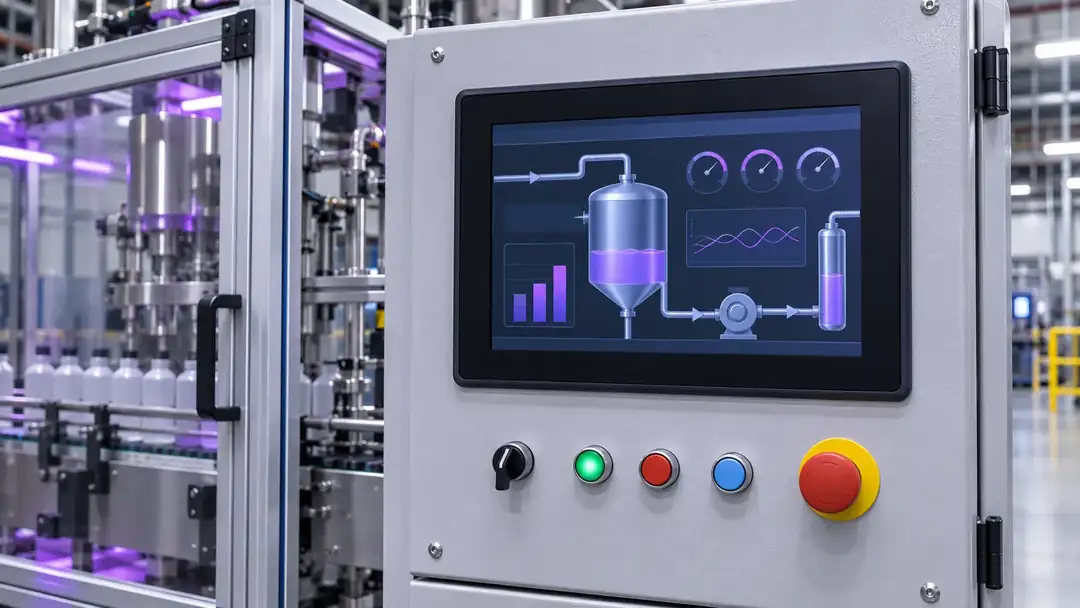
When an operator terminal fails, the replacement screen is only one piece of the recovery. The team also needs the correct application and enough information to restore communications with the controller. Assemble the recovery information while the machine is still operating.
01Identify the terminal and its options
Record the full PanelView catalog number and series. Capture screen size, touch or keypad operation, power input, mounting cutout and network connections. If the replacement is a different model, review the panel drawings and the model-specific documentation before ordering.
02Confirm what can be restored
Locate the application files and identify the software environment used to maintain them. Record the terminal's firmware and network settings in the recovery record. Have the controls owner check whether the available files and tools support the intended replacement. Keep an approved backup with a date and a clear machine identifier.
03Define a return-to-service check
Ask operators which screens they need at startup, during changeover and when troubleshooting alarms. Use those workflows to scope the acceptance check alongside communications and access controls. Plan the installation under the site's change and commissioning procedures.
Need help sourcing a part?
Share your PanelView catalog number and preferred replacement condition with YALIX Automation.