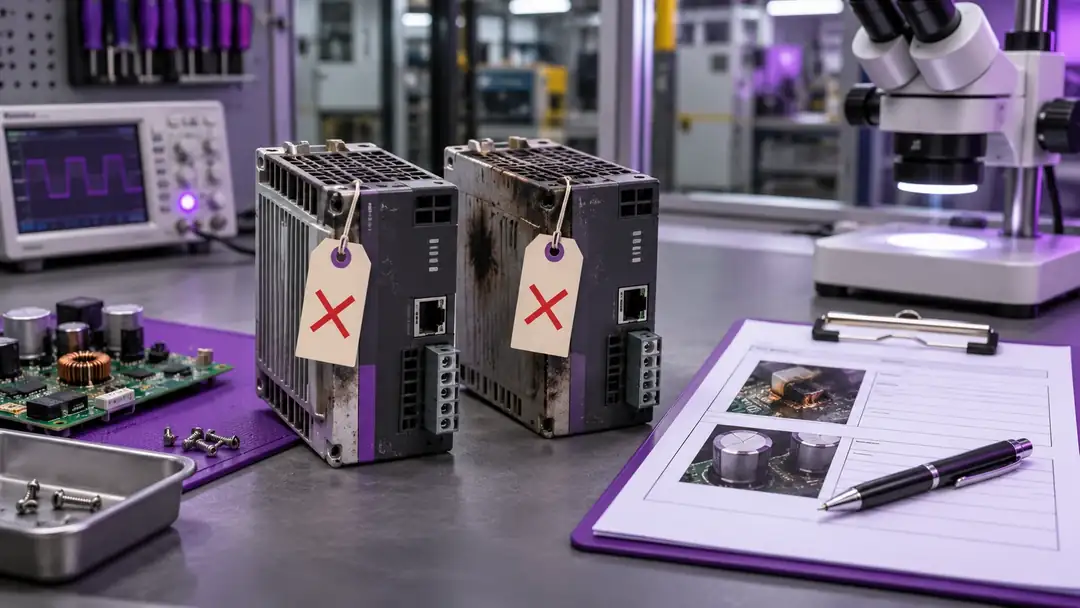
If two replacements fail in the same location, retain the evidence from both failures. A repeat event can point to something the parts have in common, such as the same load, wiring route, cabinet location or maintenance activity.
01Compare each failure record
Record the asset, component model, hardware revision, installation date, time in service and symptoms. Keep relevant photos and alarm records. Note whether failures are limited to one machine or also appear in other assets using the same part.
02Review the conditions the parts share
Have engineering examine the application, connected loads and environment using the equipment documentation. Look at what changed before the first failure and whether the replacements were installed in the same configuration. Coordinate any supplier assessment with the site’s warranty and return procedures.
03Turn the review into a measurable action
Document the suspected cause, what evidence supports it and what would disprove it. Agree who will monitor the asset after the corrective work and for how long. Update the maintenance record with the confirmed findings so the next replacement decision starts from evidence.
Need help sourcing a part?
If the review calls for an exact replacement or a manufacturer-approved alternative, send the full part number to YALIX Automation.