A line can run well on one product and stop repeatedly after a changeover. The next shift may then spend time checking hardware that worked earlier. Compare the successful and unsuccessful runs to identify what changed.
01Record the expected setup
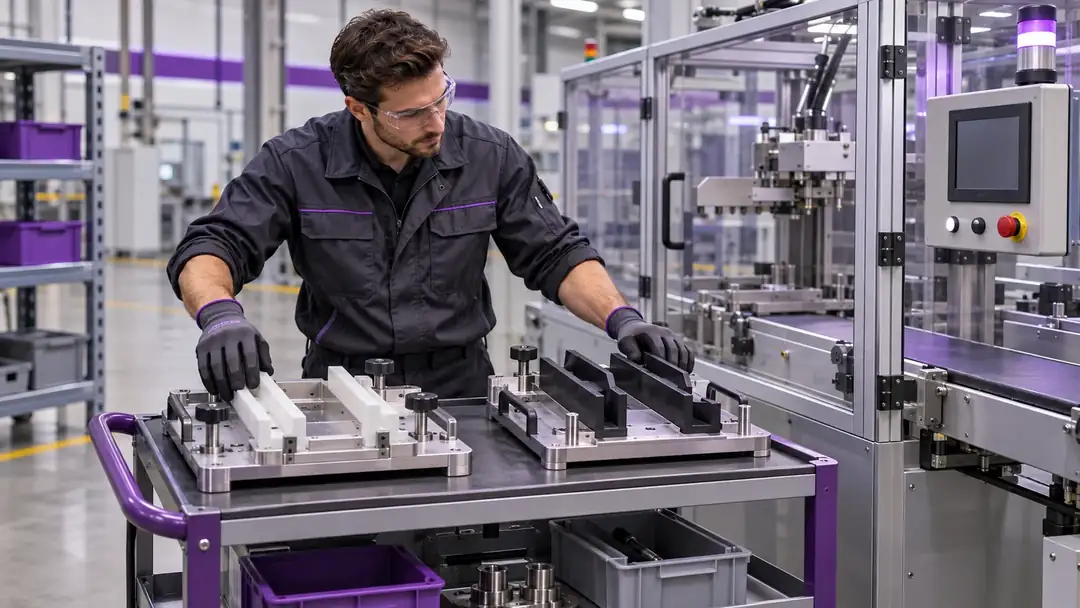
List the approved recipe, tooling and product identification for the changeover. Include the positions of movable sensors or guides and how the operator verifies the first run. Put these checks in a clear sequence that can be followed across shifts.
02Separate software settings from mechanical setup
Ask whether the issue follows the recipe, the tooling or the product itself. Capture the first alarm and the station where material flow stops. If the problem occurs only on one format, inspect that format’s fixtures and sensing arrangement before changing controller parameters.
03Standardise the handover
Record what was adjusted, who approved it and how the line performed afterwards. Add recurring issues to the changeover checklist. Keep an approved spare for format-specific accessories that are frequently damaged or difficult to replace.
Need help sourcing a part?
Send YALIX Automation the catalog number of any sensor, bracket or control component identified in your changeover review.