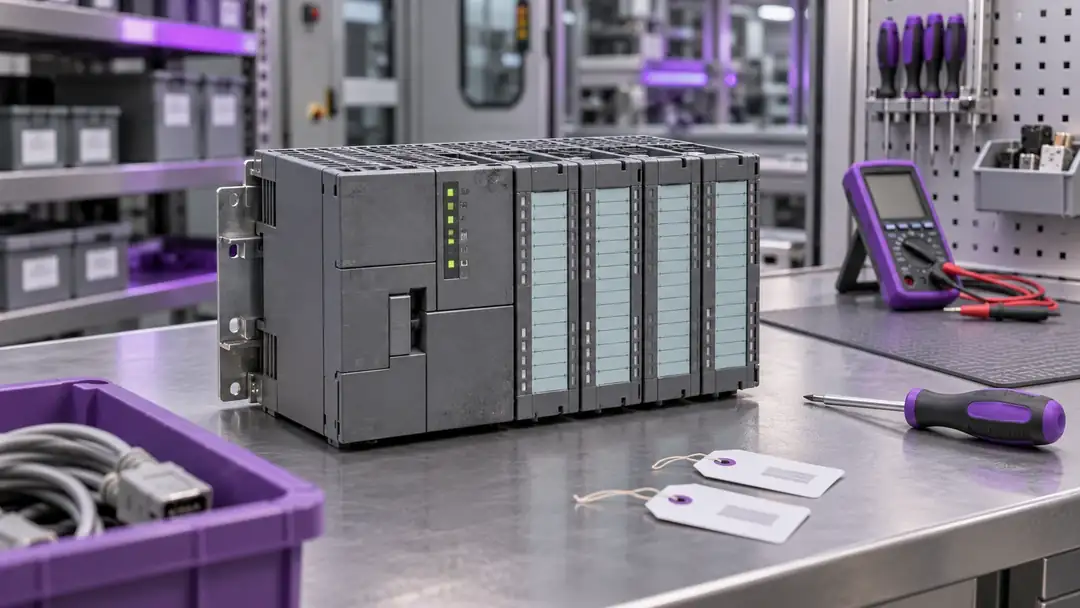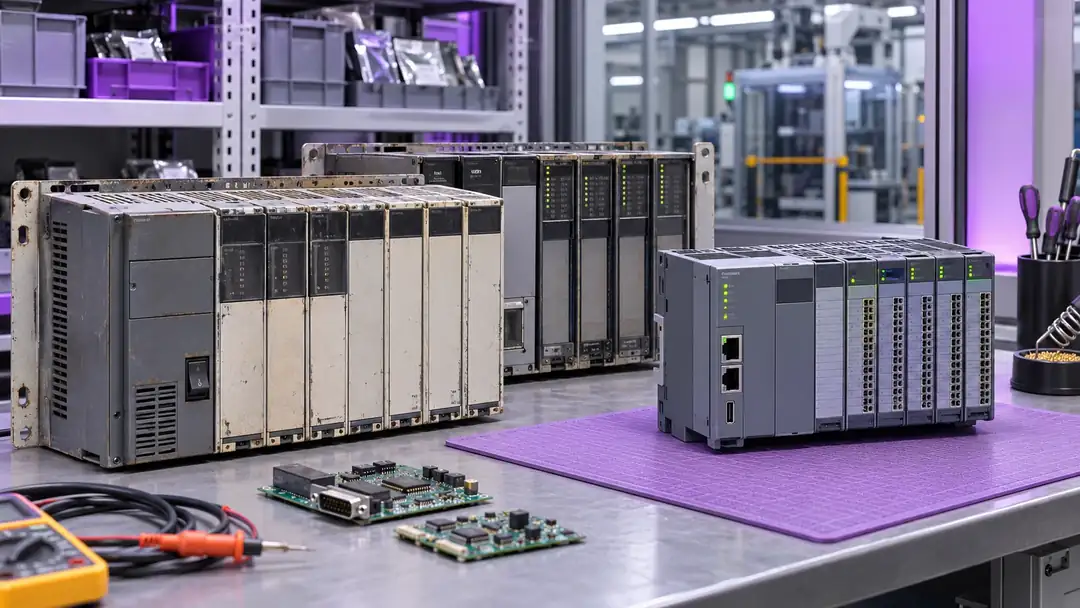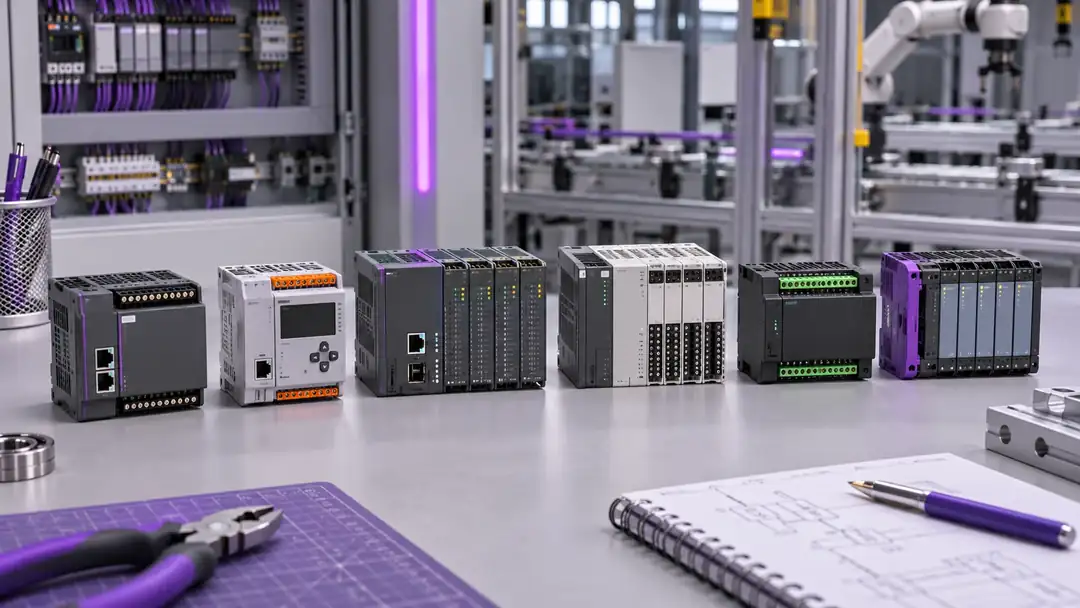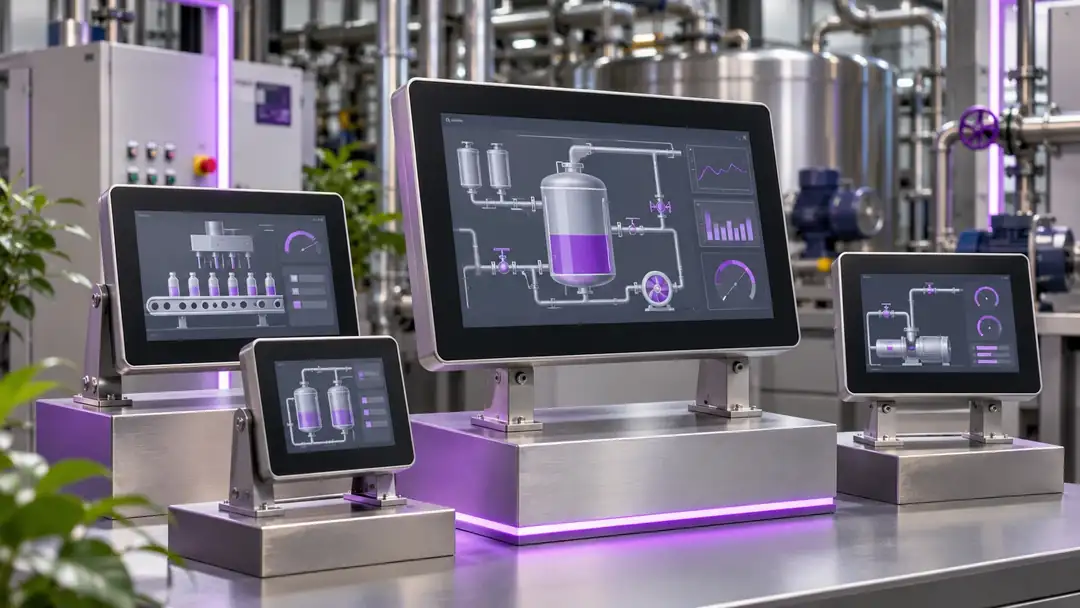
An HMI is where the operator sees machine state and responds to alarms. When replacing a panel, the screen dimensions, project files and controller interface all influence whether it can be installed within the planned window.
01Identify the model line
Start with the terminal’s full catalog number. Record touch or keypad input, screen orientation and connector locations while the old unit is accessible. The following are examples of product lines to look for on the installed equipment.
02Confirm what connects to the panel
Check the controller model and the communication protocol used by the application. Capture the installed runtime or firmware and identify the editable project, the deployed file and the tools available to maintain them. Ask the controls owner whether the same project can be restored to the proposed panel or needs migration.
03Compare the operator’s experience
Measure the cutout and enclosure depth, then review the screens operators rely on during start-up, changeover and fault recovery. Include physical mounting and access to alarms, recipes or other key functions in the acceptance plan.
Need help sourcing a part?
Share your HMI catalog number, photos and any approved alternatives with YALIX Automation.